Break Free from the Keyboard & Mouse! Build Physical Interactive Games | Alt.Ctrl Workshop | MOS S5 Recruitment
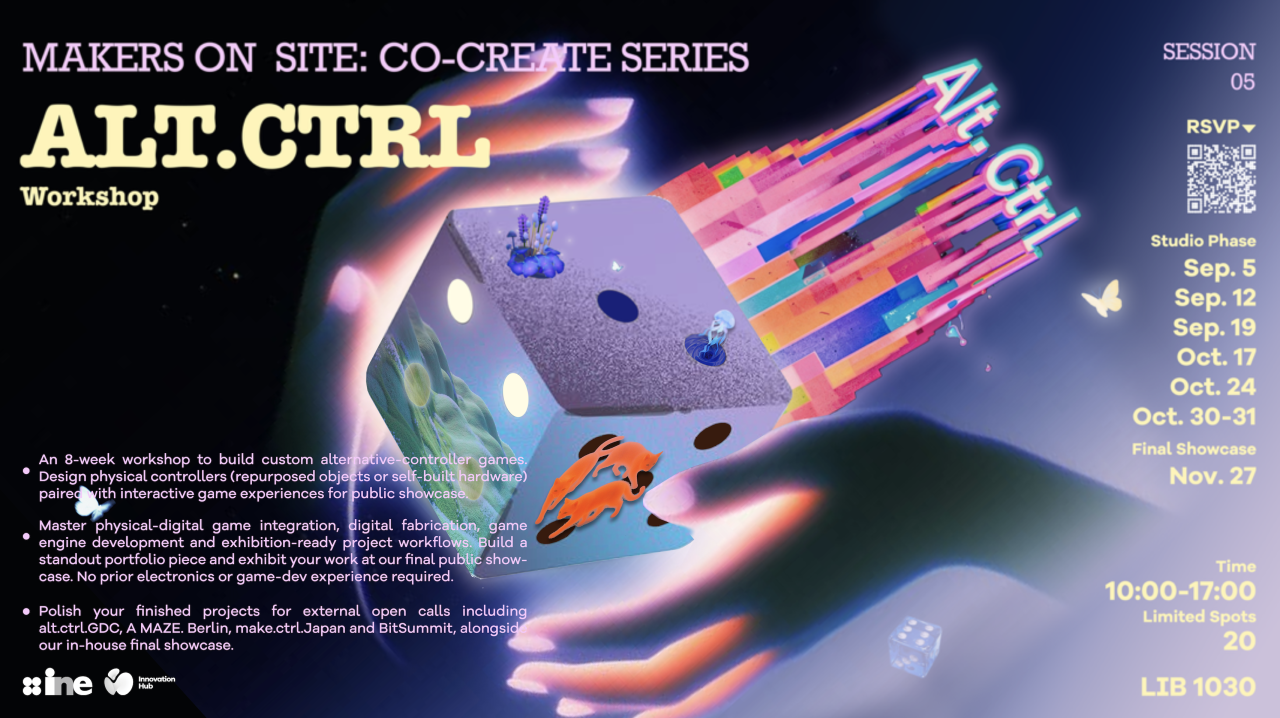
Tired of mice, keyboards, and gamepads? Imagine: with no traditional controller at all, you wave a self-made device, transform everyday objects, and drive the game with your body — creating interactive works that can be truly touched and played on-site by an audience. Makers On-Site: Co-Create Series — Session 5: Alt.Ctrl Workshop. An eight-week interdisciplinary workshop, now open for registration to all DKU students!
What Is Alt.Ctrl?
Alt.Ctrl (alternative game controllers) refers to games played with homemade or repurposed physical devices — a specially 3D-printed shell, a second-hand-transformed household object, or a screen-less physical installation art piece. Games are no longer limited to on-screen clicking; players participate with their bodies and movements. Alt.Ctrl is a hot experimental direction in today’s indie game scene, with works regularly showcased at alt.ctrl.GDC, A MAZE. Berlin, and BitSummit.
Eight Weeks — From Zero to an Exhibitable Interactive Game Work
No prior experience in electronic circuits or game-engine development is required. Passion, creativity, and willingness to collaborate are the only real thresholds. Open to all majors. In this 8-week workshop, you will fight side by side in teams of 2–4:
-
Develop game content with Unity / Unreal — art, effects, narrative, and player-guidance design;
-
Rapid cardboard prototypes, 3D printing, and laser cutting — turning wild ideas into physical controllers;
-
Physical computing: master HID, serial port, and OSC to connect hardware sensors with game engines;
-
The complete exhibition-oriented workflow: concept, iterative testing, debugging, and project archiving.
Note: physical interactive devices take a long time to build, so most production is scheduled for weekdays after class. Sessions provide lectures, hands-on demonstrations, and project feedback.
What You Will Gain
-
Hardware & interaction technology: HID/serial/OSC communication; ESP32-S3 and IMU motion-sensor debugging;
-
Software & tools: Unity / Unreal / Godot / p5.js; Fusion360 and Tinkercad; Blender, Substance Painter, Niagara;
-
Digital fabrication: 3D printing and laser cutting, or repurposing waste materials;
-
Team collaboration across hardware, development, appearance craft, and game design;
-
Exhibition submission skills: demo videos and application documents — outstanding teams can aim for international exhibitions.
A Chance to Submit to International Game Exhibitions
-
alt.ctrl.GDC (San Francisco): the world’s largest alternative-controller exhibition;
-
A MAZE. Berlin: international festival for playful media;
-
make.ctrl.Japan & BitSummit (Japan): Asia’s indie interactive game gathering.
Event Information
-
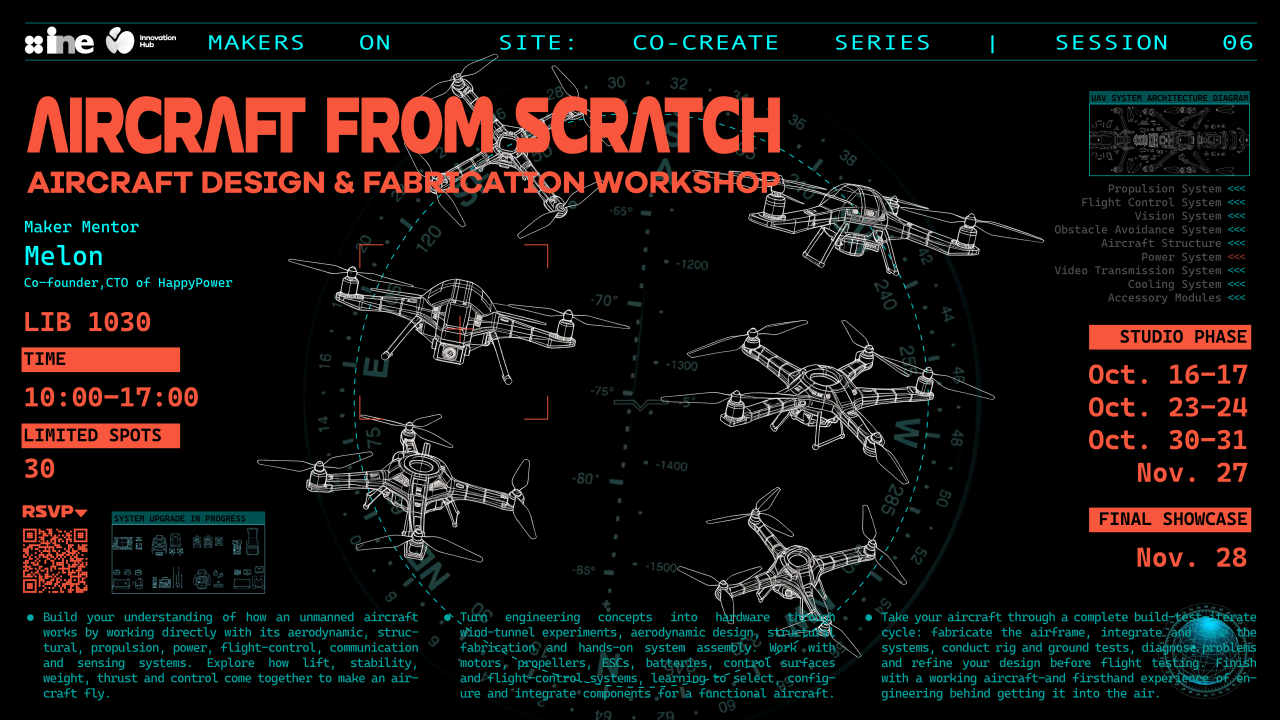
Studio Phase: Sep 5, Sep 12, Sep 19, Oct 17, Oct 24, Oct 30, Oct 31 (GDC submission target);
-
Build Week (online mentor Q&A): Sep 20 – Oct 16;
-
Final Showcase: Nov 27;
-
Class time: 10:00 AM – 5:00 PM;
-
Location: LIB 1030;
-
Quota: only 20 spots; all DKU students (no experience required).
Course Schedule
-
Day 1 — System Architecture & Alt.Ctrl Basics: frameworks, case experiences, HID and soldering hands-on; complete a game-modification exercise (HID-modification assignment).
-
Day 2 — Prototyping & Serial Interaction: present HID works; IMU sensors and Unity serial communication; minimum playable physical prototype from waste materials.
-
Day 3 — Game Engines & OSC Wireless Communication: Unreal and version-control basics; OSC wireless pairing; finalize group project proposals.
-
Build Week — Independent Project Development: online mentor Q&A; complete the linked prototype.
-
Day 4 — Physical Appearance & Digital Fabrication: prototype presentations; form design lecture; CAD modeling, 3D printing, laser cutting.
-
Day 5 — Art Assets & Effects Animation: cross-group playtesting; environment art, Blender, Niagara; project iteration.
-
Day 6 — Debugging, Packaging & Exhibition Submission: debugging and packaging; exhibition document standards; GDC submission video materials.
-
Day 7 — Narrative & UI Player Experience: Twine / Inform7; UI/UX guidance design; complete the interactive interface.
-
Day 8 — Reserved Session (TBD).
-
Day 9 — Final Public Showcase: final debugging; works exhibited at the Mini Maker Faire.
Participation Commitment
Makers On-Site is a practice-oriented studio project. Only students who fully participate as required will receive the official workshop certificate.
Innovation Hub Website: https://ine.dukekunshan.edu.cn/innovation-lab/overview/ | Previous MOS Projects: https://ine.dukekunshan.edu.cn/innovation-lab/inhub-projects/